In this tutorial, we show you how to add your most-used camera features and controls to the top of the viewfinder for quick one-tap access.
How to customize iPhone in-app camera controls in iOS 27

In this tutorial, we show you how to add your most-used camera features and controls to the top of the viewfinder for quick one-tap access.

Get information about food, plants, animals, landmarks, etc., or take quick actions like adding an event from a flyer to your calendar using the new Siri integration in the iOS 27 Camera app.

Find out which setting to turn off if you play a recorded video on your iPhone and notice that the sound is not right and seems to get low or uneven.

Find out how to turn off the ‘swipe to open camera’ feature on Lock Screen and check out other ways to totally block camera access on your locked iPhone or iPad.

In this guide, we go over three things that you can do to reset your iPhone camera to its default settings. Except for these, there is no other way to reset the Camera app on your iOS device.

Apple's first foldable iPhone will reportedly have Touch ID instead of Face ID and be equipped with four cameras in total, and here's why.
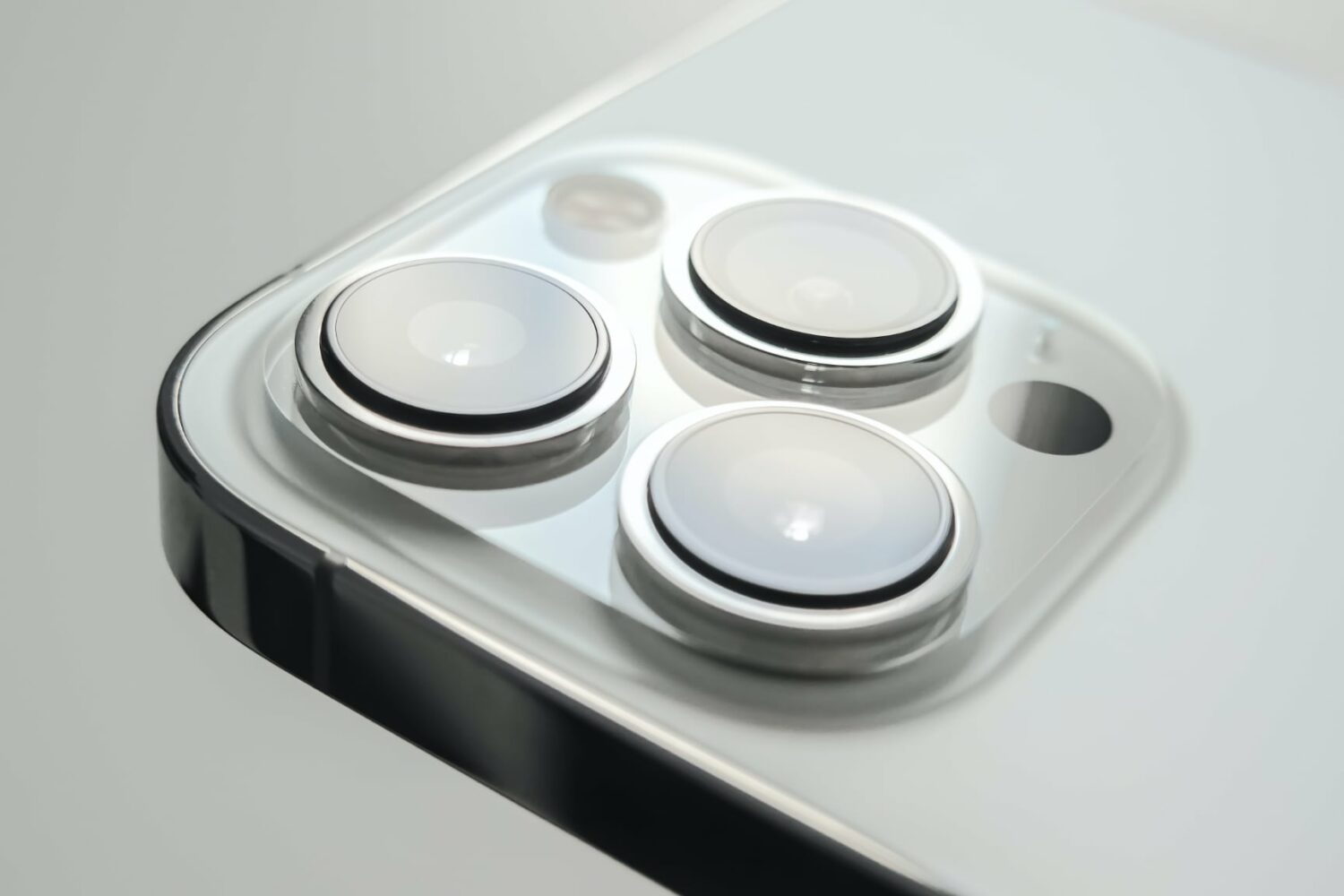
Apple's flagship iPhone 17 Pro Max coming in September could feature one of the best telephoto cameras on any smartphone.

Developer Riley Testut of the AltStore Team announced an all-new app called Delta Camera back in June that emulated the Game Boy Camera experience on the iPhone. While it used the iPhone’s integrated cameras to operate, it was unique in that the interface allowed users to capture monochrome images with the same aesthetic as those from the original Game Boy Camera interface.

Classic mode switching in the fifth beta of iOS 26 reverts the scroll direction when swiping to change shooting modes in the Camera app.

Apple is reportedly developing a custom image sensor for future iPhones that could achieve dynamic range levels comparable to the human eye.

Apple's upcoming M5 iPad Pro may feature a second front-facing camera, allowing you to take great selfies in both portrait and landscape orientations.

Learn how to use your AirPods as a wireless camera control button to take pictures and record videos on your iPhone or iPad.